

Flutter has made cross-platform app development more efficient than ever, allowing developers to build beautiful apps with a single codebase. However, speed and convenience can sometimes lead to overlooked mistakes that affect performance, scalability and user experience.
Whether you’re working in a development team or building an app independently, understanding these common pitfalls, and how to avoid them can make a significant difference in your app’s success.
Why Do Some Flutter Apps Feel Slow or Unresponsive?
Even though Flutter is designed for high performance, poor implementation can lead to laggy interfaces, dropped frames and excessive resource usage.
A common cause is inefficient widget usage. When widgets rebuild unnecessarily, the app consumes more CPU and memory, resulting in noticeable performance issues.
Developers who understand how Flutter renders UI and manages widget lifecycles can structure their apps more efficiently. By reducing unnecessary rebuilds and optimising layouts, they can create smoother, more responsive user experiences.
Performance monitoring tools such as Flutter DevTools are often at Ultranet to analyse rendering behaviour and identify bottlenecks early.
Could Your State Management Be Holding You Back?
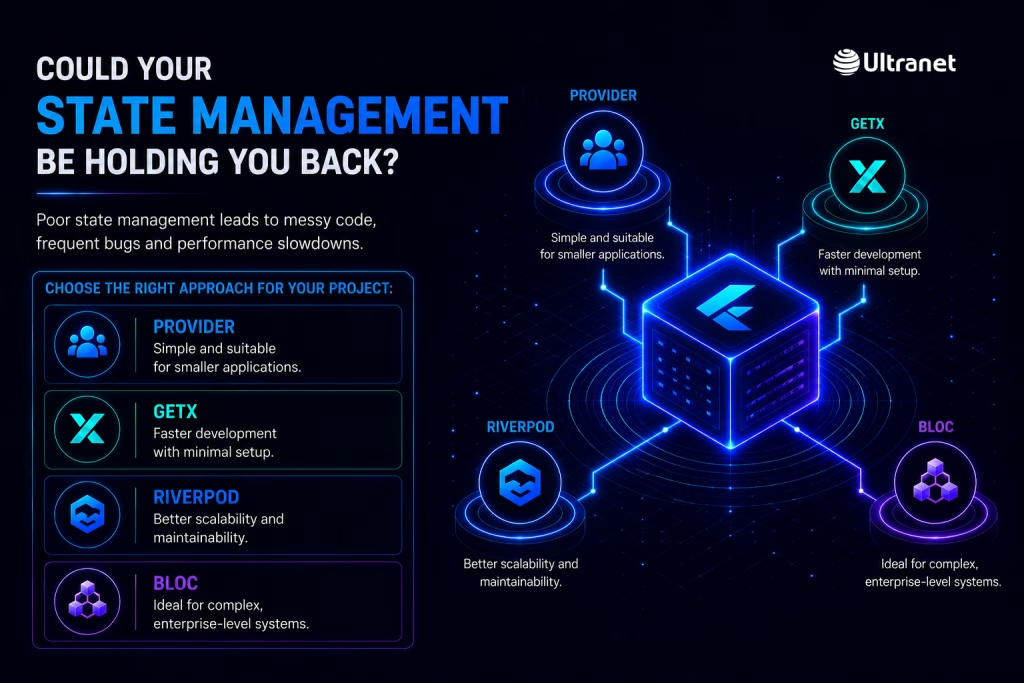
One of the biggest challenges in Flutter development is managing application state effectively. Poor state management can quickly lead to messy code, frequent bugs and performance slowdowns.
Different approaches work better depending on the project:
- Provider is simple and suitable for smaller applications
- GetX helps speed up development with minimal setup
- Riverpod offers better scalability and maintainability
- BLoC is ideal for complex, enterprise-level systems
Choosing the right pattern early helps keep your codebase clean, easier to debug and ready for future growth.
The Impact of Ignoring Responsive Design
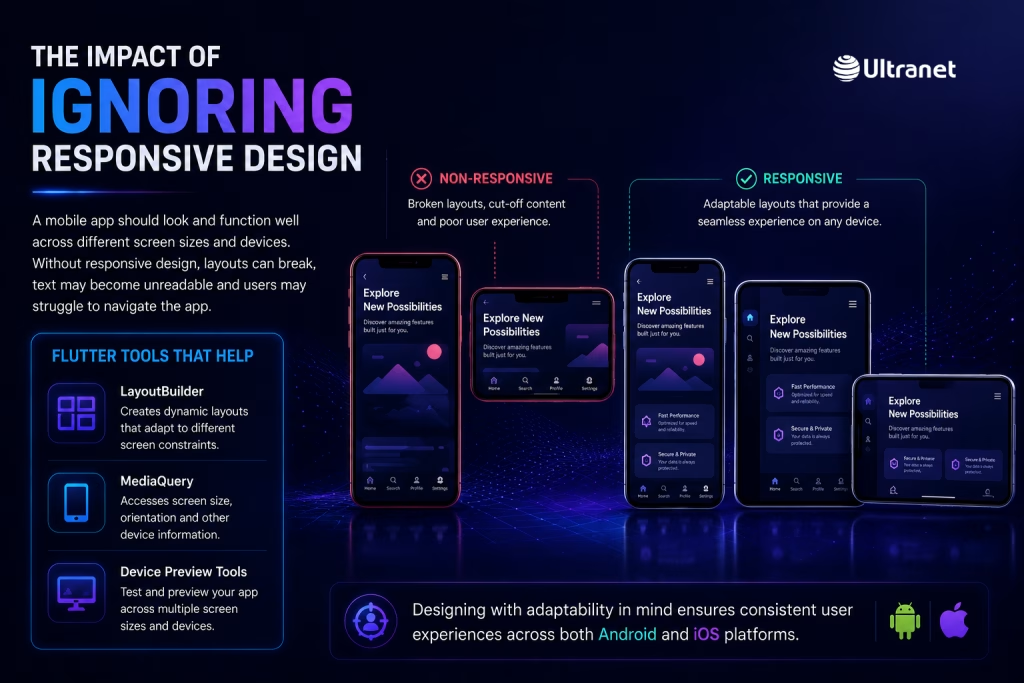
A mobile app should look and function well across different screen sizes and devices. Without responsive design, layouts can break, text may become unreadable and users may struggle to navigate the app.
Flutter provides built-in tools to address this:
- LayoutBuilder for dynamic layouts
- MediaQuery for screen-based adjustments
- Device preview tools for testing across multiple screens
By designing with adaptability in mind, developers can ensure consistent user experiences across both Android and iOS platforms.
Too Many Dependencies? That’s a Problem
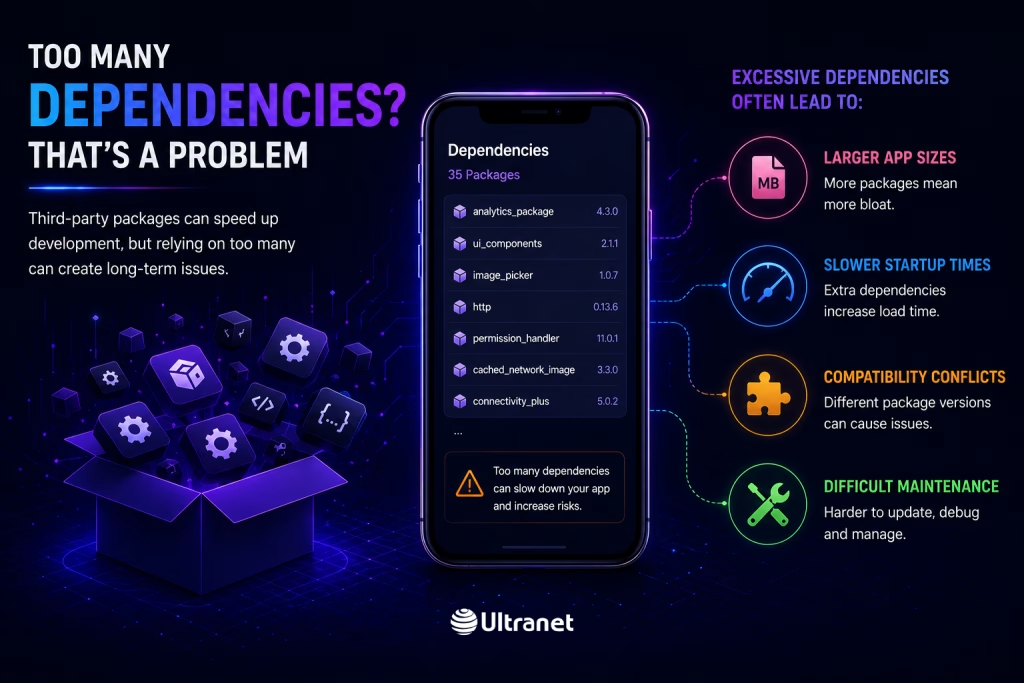
Third-party packages can speed up development, but relying on too many can create long-term issues.
Excessive dependencies often lead to:
- Larger app sizes
- Slower startup times
- Compatibility conflicts
- Difficult maintenance
A better approach is to use only essential, well-maintained packages and regularly review them. Removing unused libraries keeps the app lightweight and easier to manage.
Why Platform Differences Still Matter
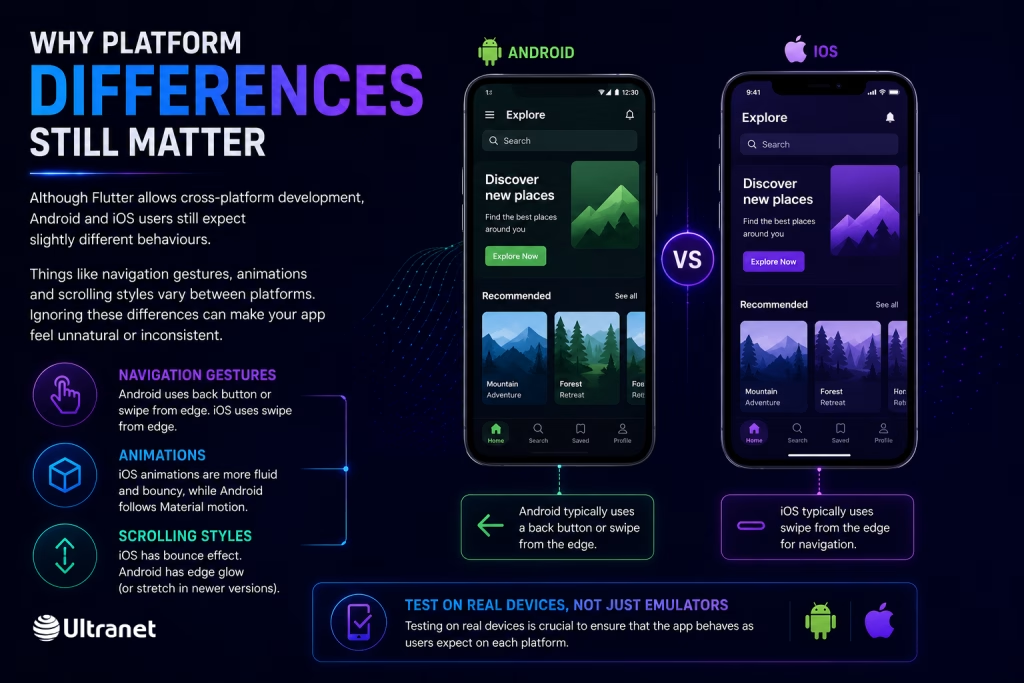
Although Flutter allows cross-platform development, Android and iOS users still expect slightly different behaviours.
Things like navigation gestures, animations and scrolling styles vary between platforms. Ignoring these differences can make your app feel unnatural or inconsistent.
Testing on real devices is crucial to ensure that the app behaves as users expect on each platform.
Are Your Images Slowing Down Your App?
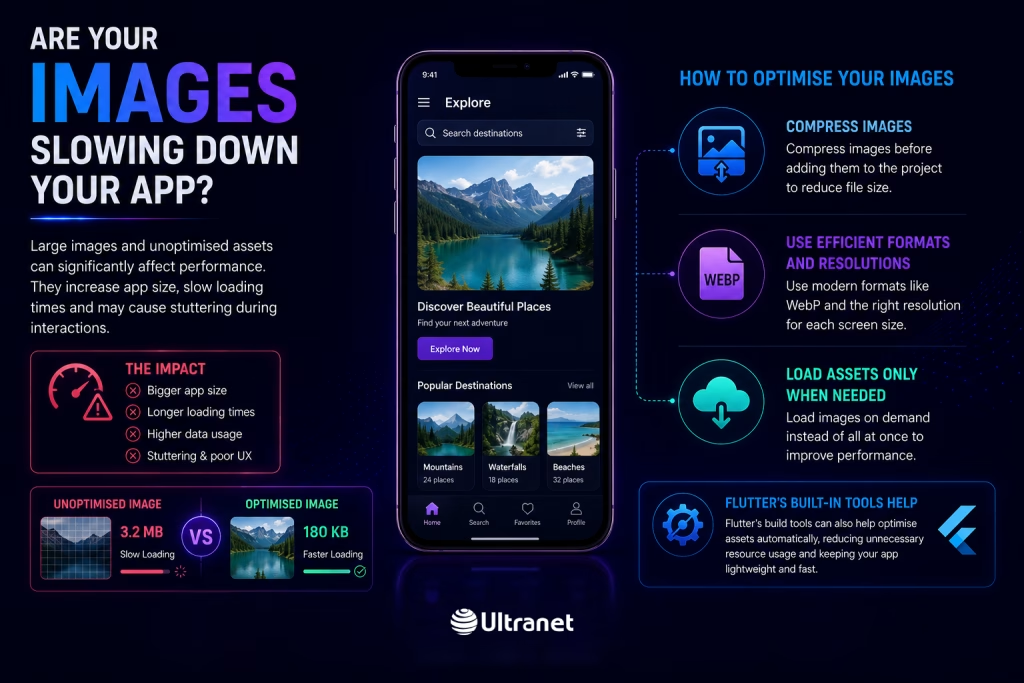
Large images and unoptimised assets can significantly affect performance. They increase app size, slow loading times and may cause stuttering during interactions.
To avoid this:
- Compress images before adding them to the project
- Use efficient formats and resolutions
- Load assets only when needed
Flutter’s build tools can also help optimize assets automatically, reducing unnecessary resource usage.
Skipping Testing Is a Risk You Can’t Afford
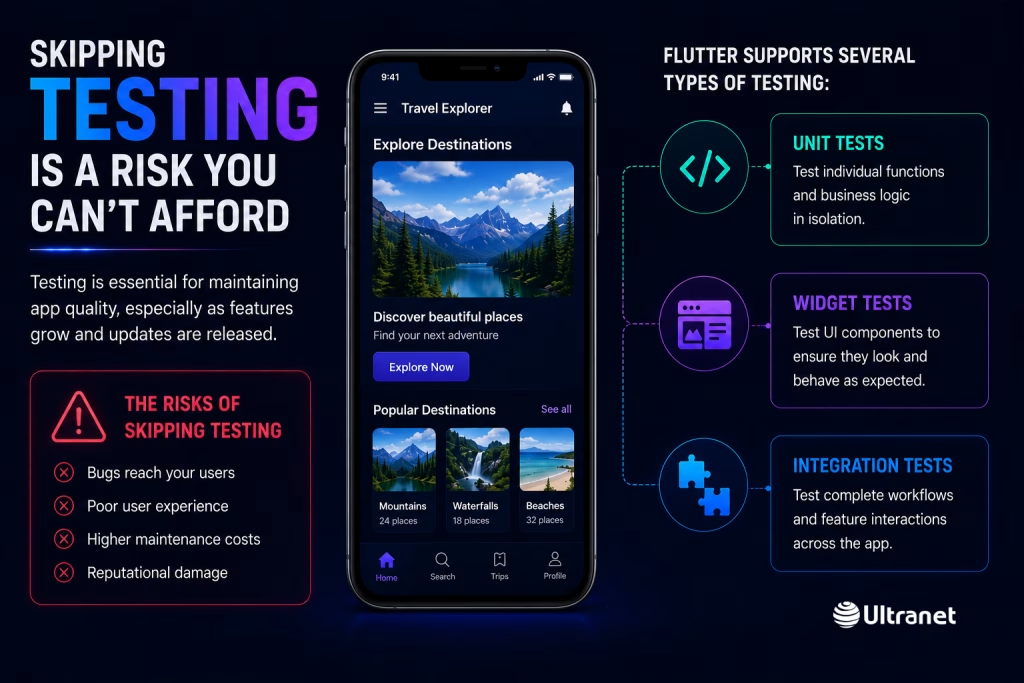
Testing is essential for maintaining app quality, especially as features grow and updates are released.
Flutter supports several types of testing:
- Unit tests for business logic
- Widget tests for UI components
- Integration tests for complete workflows
By automating these tests and integrating them into development pipelines, teams can catch issues early and release updates with confidence.
Backend and API Integration Done Wrong
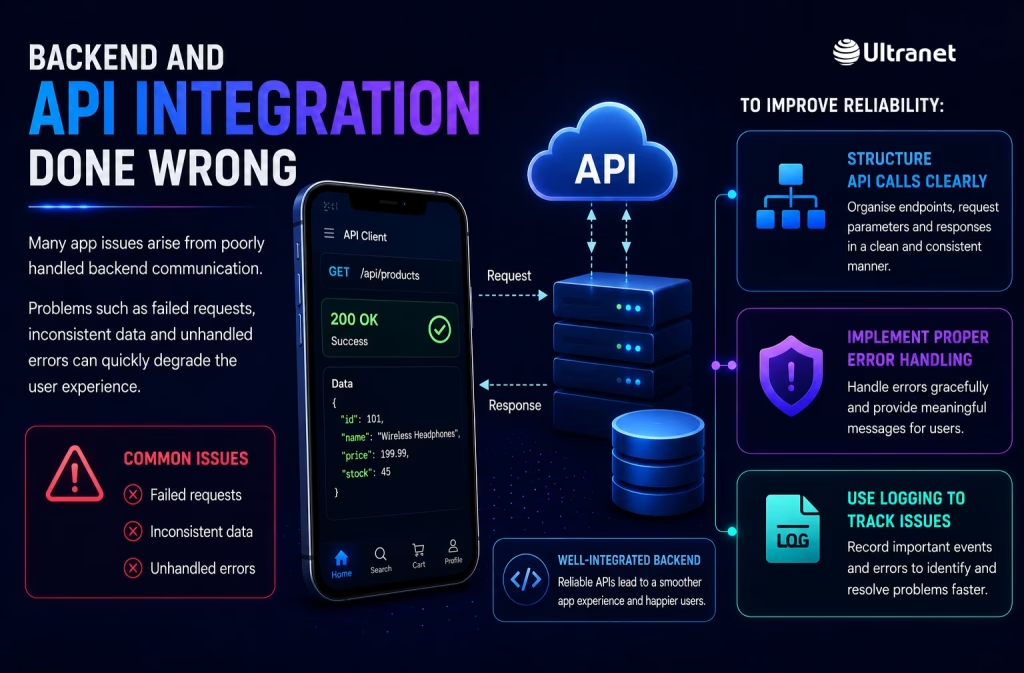
Many app issues arise from poorly handled backend communication. Problems such as failed requests, inconsistent data and unhandled errors can quickly degrade the user experience.
To improve reliability:
- Structure API calls clearly
- Implement proper error handling
- Use logging to track issues
Advanced techniques like retry mechanisms and timeout handling help ensure smoother interactions between the app and backend systems.
Thinking Short-Term Instead of Scaling Ahead
A common mistake in Flutter projects is focusing only on current requirements without considering future growth.
As the app expands, poor architecture can lead to:
- Difficult feature additions
- Slower development cycles
- Increased risk of bugs
Designing with scalability in mind, using modular structures and reusable components ensures the app can evolve without major rewrites.
Why the Right Development Partner Matters

The success of your Flutter project often depends on the team behind it. A skilled development partner doesn’t just build the app, they influence its architecture, performance and long-term maintainability.
When choosing a development team, consider:
- Their experience with Flutter projects
- Their approach to testing and architecture
- Their ability to scale with your needs
Frequently Asked Questions
1. What does a typical Flutter project look like?
It usually starts with planning and design, followed by development, testing, deployment and continuous improvement after launch.
2. How can I find the right Flutter developer?
Look for developers with proven experience, strong technical skills and a solid portfolio of completed apps.
3. What makes a Flutter team stand out?
Strong architecture, consistent testing practices and the ability to deliver scalable, high-performing apps are key indicators.
4. How can I ensure my app runs smoothly across platforms?
Follow best practices, maintain consistent UI behaviour and test thoroughly on different devices and operating systems.