


Ever used an app and thought, “I could create something like this”?
You’re not alone. Mobile apps have become a central part of everyday life—powering everything from online shopping and bookings to communication and entertainment.
For businesses, apps are no longer optional. They’re powerful tools for growth, engagement, and customer experience.
While building an app might seem overwhelming at first, breaking the process into clear steps makes it far more achievable.
What Does Mobile App Development Involve?
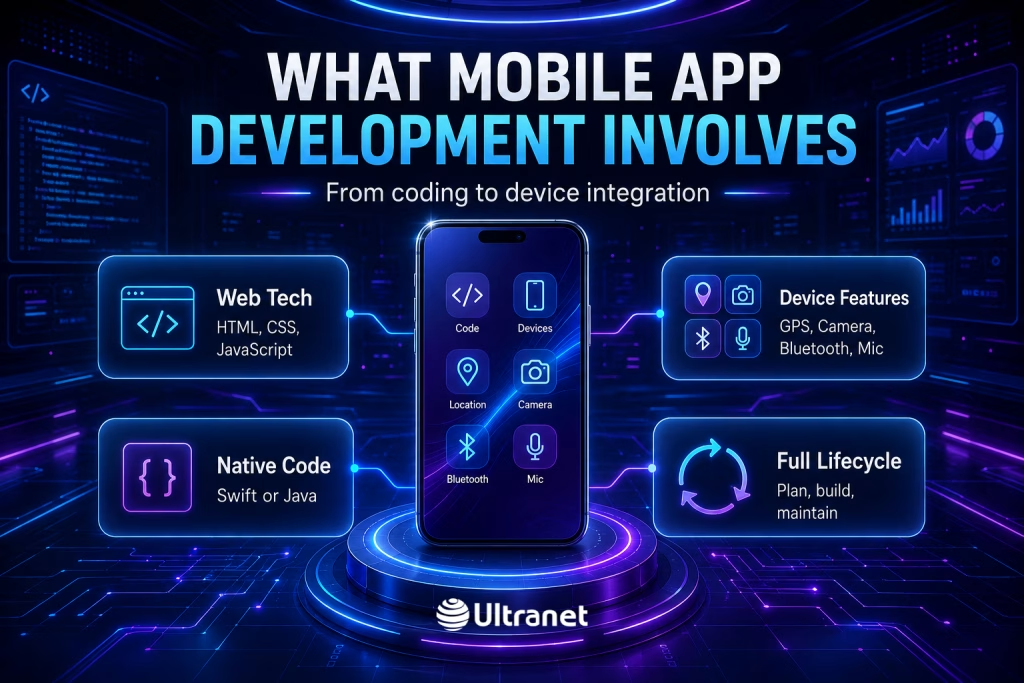
Mobile app development is the process of creating software applications designed for devices like smartphones and tablets.
These apps are built using a variety of technologies, including:
- Web technologies such as HTML, CSS, and JavaScript
- Native programming languages like Swift (iOS) or Java (Android)
They can also interact with device features such as:
- GPS location services
- Camera and media access
- Bluetooth connectivity
- Microphone input
From planning to maintenance, app development is a full lifecycle process—not just coding.
Different Ways to Build a Mobile App
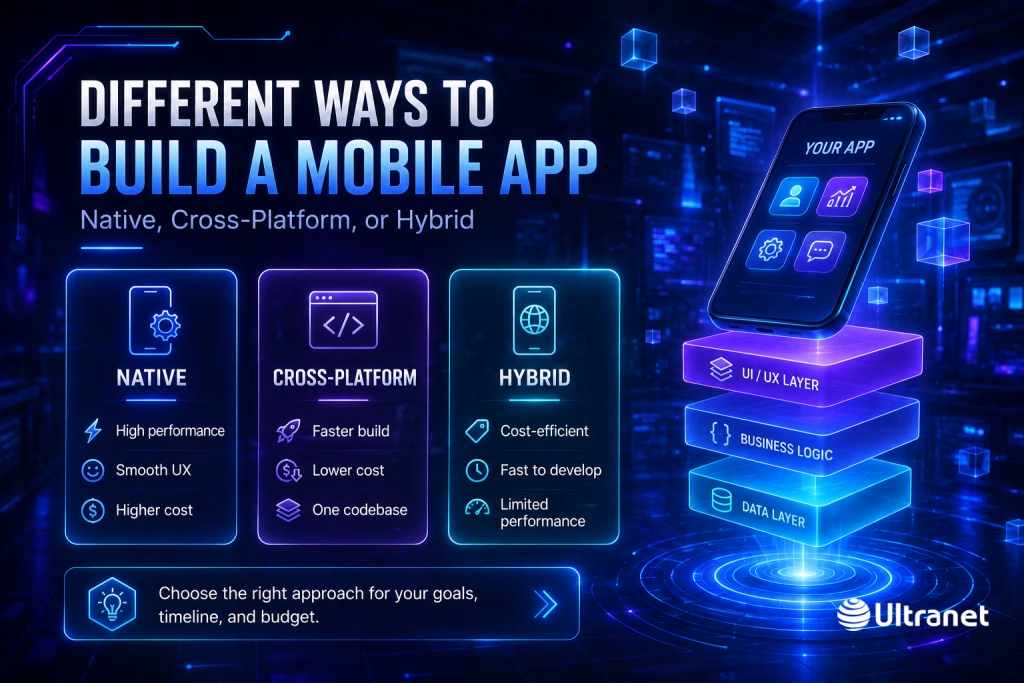
There isn’t just one way to develop an app. The approach you choose depends on your goals, budget, and timeline.
Native Development
Apps are built specifically for one platform (iOS or Android).
Pros:
- High performance
- Smooth user experience
- Strong security
Cons:
- Higher development cost
- Longer build time
Cross-Platform Development
A single codebase is used to create apps for multiple platforms.
Pros:
- Faster development
- Lower cost
- Easier maintenance
Cons:
- Slightly reduced performance compared to native apps
Hybrid Development
Combines web-based technologies with native features.
Pros:
- Cost-efficient
- Faster to develop
- Works across platforms
Cons:
- Limited performance
- Often relies on internet connectivity
Popular Frameworks That Speed Up Development
 Modern frameworks help developers build apps more efficiently.
Some widely used options include:
- React Native – Uses JavaScript to build cross-platform apps
- Flutter – Known for fast development and flexible UI design
- Xamarin – Uses C# with strong integration into Microsoft tools
These frameworks reduce development time while maintaining solid performance.
Planning Your App Idea
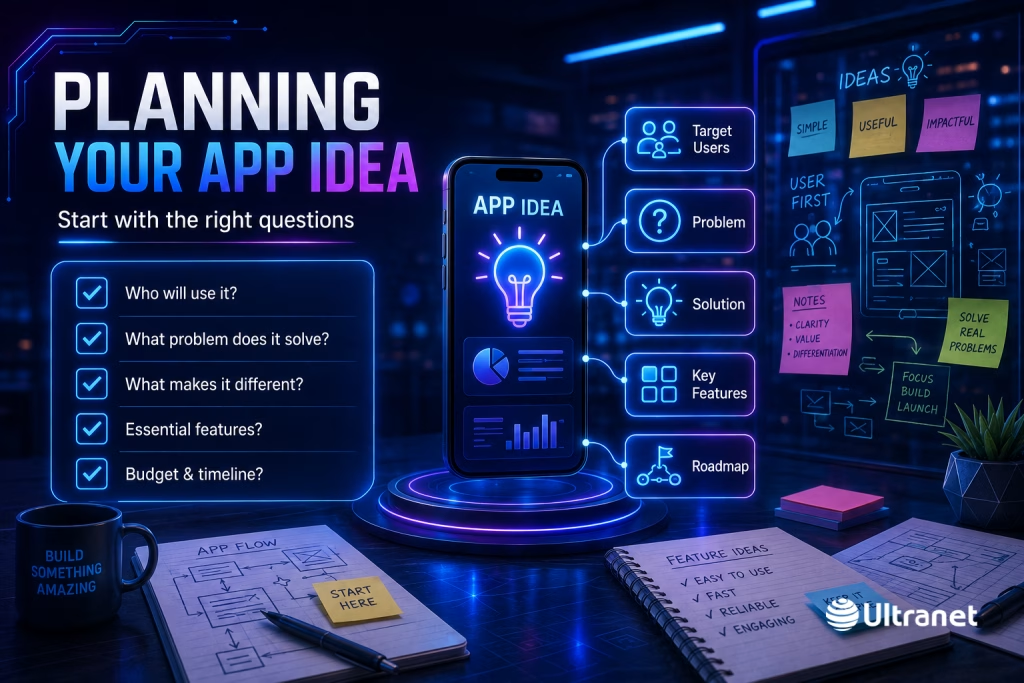
Before writing any code, it’s important to define your app clearly.
Ask yourself:
- Who will use this app?
- What problem does it solve?
- How is it different from existing solutions?
- What features are essential?
- What budget and timeline do you have?
A well-defined concept sets the direction for the entire project.
Designing the User Experience
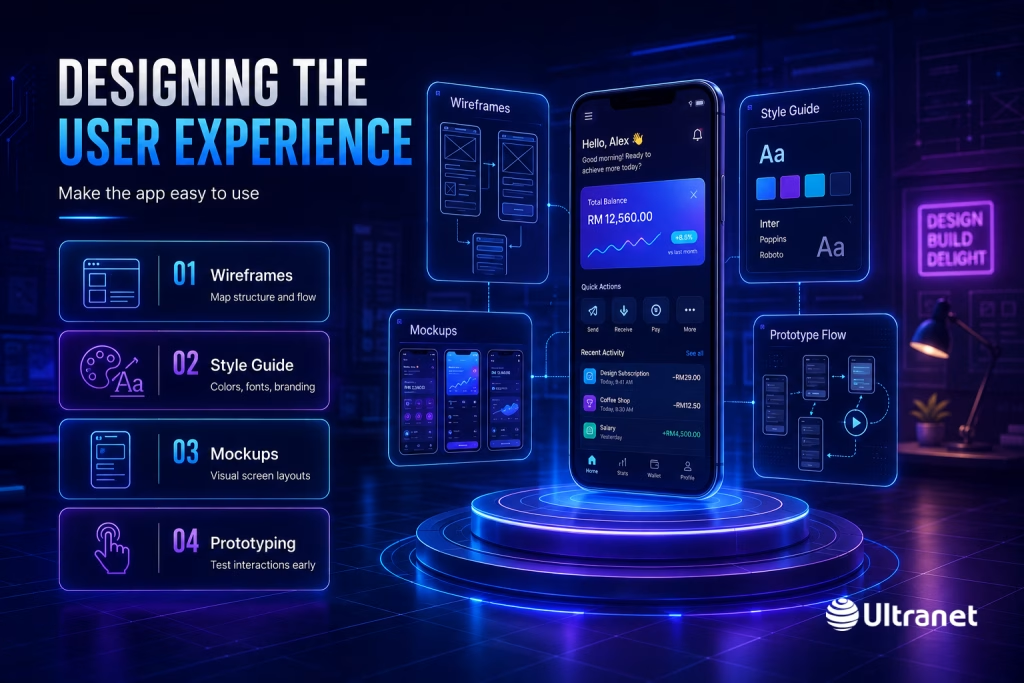
Design plays a major role in whether users enjoy your app or abandon it.
A good app should be:
- Easy to navigate
- Visually appealing
- Fast and responsive
- Accessible to a wide range of users
Key Design Stages
- Wireframing: Mapping out structure and user flow
- Style guide: Defining colours, fonts, and branding
- Mockups: Creating visual layouts
- Prototyping: Testing interactions before development
The Development Phase
Once the design is finalized, the actual build begins.
This stage typically includes:
- Frontend development: Creating the interface users interact with
- Backend development: Handling servers, databases, and logic
- API integration: Connecting the app to external systems
Testing Before Launch
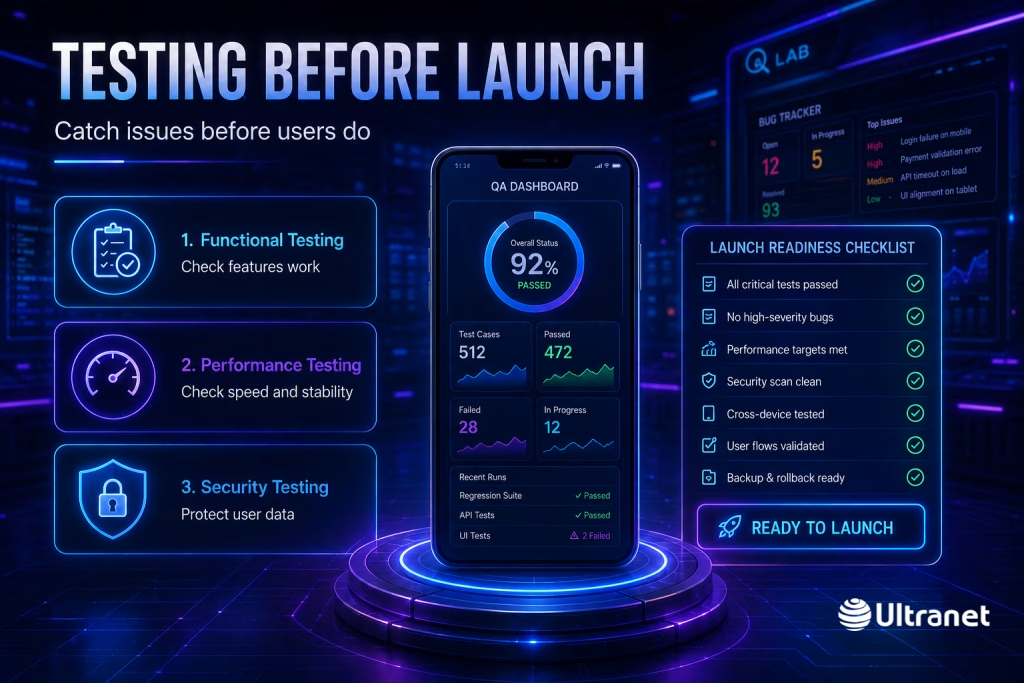
Testing ensures your app works properly and delivers a smooth experience.
Types of Testing
- Functional testing: Verifies features work correctly
- Performance testing: Checks speed and responsiveness
- Security testing: Ensures user data is protected
Thorough testing helps identify issues early and prevents problems after launch.
Publishing Your App
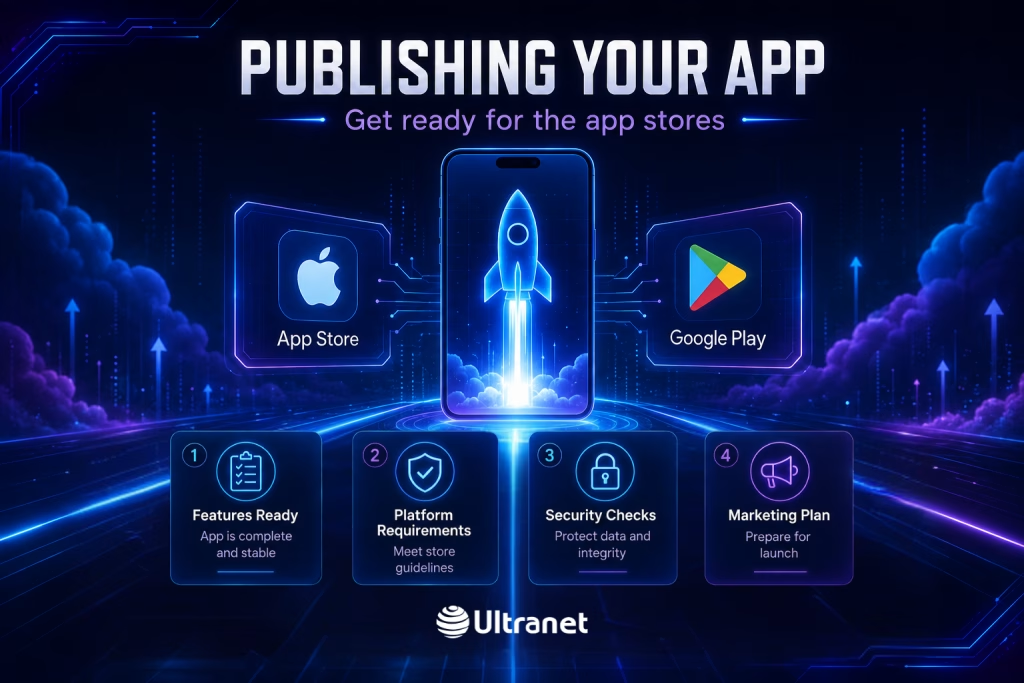
Once everything is ready, your app can be released on platforms like:
- Apple App Store
- Google Play Store
Before launching, make sure to:
- Confirm all features are working
- Meet platform requirements
- Ensure security standards are in place
- Prepare a marketing plan
What Happens After Launch?
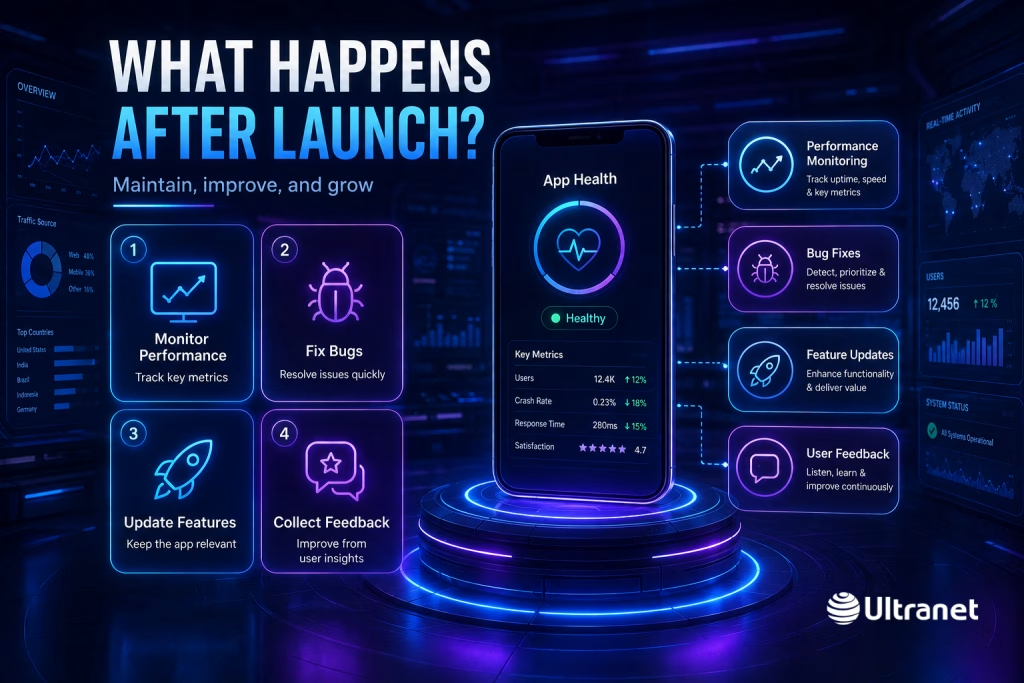
Launching your app is just the beginning.
To stay competitive, ongoing maintenance is essential. This includes:
- Monitoring performance
- Fixing bugs
- Updating features
- Collecting and acting on user feedback
Regular updates keep your app relevant and improve user satisfaction.
Final Thoughts
Mobile app development may seem complex at first, but with proper planning and the right approach, it becomes a structured and manageable process.
Every stage—from idea validation to post-launch support—plays a role in the success of your app.
By focusing on usability, performance, and scalability, businesses can create apps that not only function well but also deliver real value to users.
Frequently Asked Questions
1. How long does it take to develop a mobile app?
The development timeline depends on the app’s complexity, number of features, design requirements, and chosen development approach. A simple mobile app may take a few months, while a more advanced application with custom systems, integrations, and multiple user roles can take significantly longer.
2. How much does mobile app development cost?
Mobile app development costs vary based on factors such as the platform, features, design complexity, backend requirements, third-party integrations, and ongoing maintenance. Native apps generally cost more because separate versions may need to be developed for iOS and Android, while cross-platform development can be more cost-efficient.
3. Can a mobile app connect to an existing website or business system?
Yes. Mobile apps can be connected to websites, customer relationship management systems, inventory platforms, payment gateways, booking systems, and other business software through APIs. This allows information to be synchronized and managed more efficiently.
4. What information is required to publish an app on the App Store or Google Play?
Businesses generally need a developer account, app name, description, screenshots, privacy information, app icon, category details, and other required documentation. The app must also comply with the technical, security, and content guidelines set by Apple and Google.
5. Is mobile app development suitable for small businesses?
Yes. Small businesses can use mobile apps for bookings, online ordering, customer loyalty programmes, internal operations, service requests, communication, and many other purposes. Starting with an MVP can help control the initial cost while allowing the business to test demand and expand gradually.