


In today’s fast-moving digital world, users don’t just want apps that look good—they expect experiences that feel effortless. Intuitive mobile app design focuses on creating experiences that feel natural and easy to use. The best mobile apps don’t require instructions or steep learning curves. They simply work the way users expect them to.
So, what makes an app feel “easy” to use? The answer lies in how well design blends appearance with usability. When visual elements and user experience come together seamlessly, intuitive mobile app design helps create an experience that feels natural from the very first interaction.
Understanding Mobile App Design
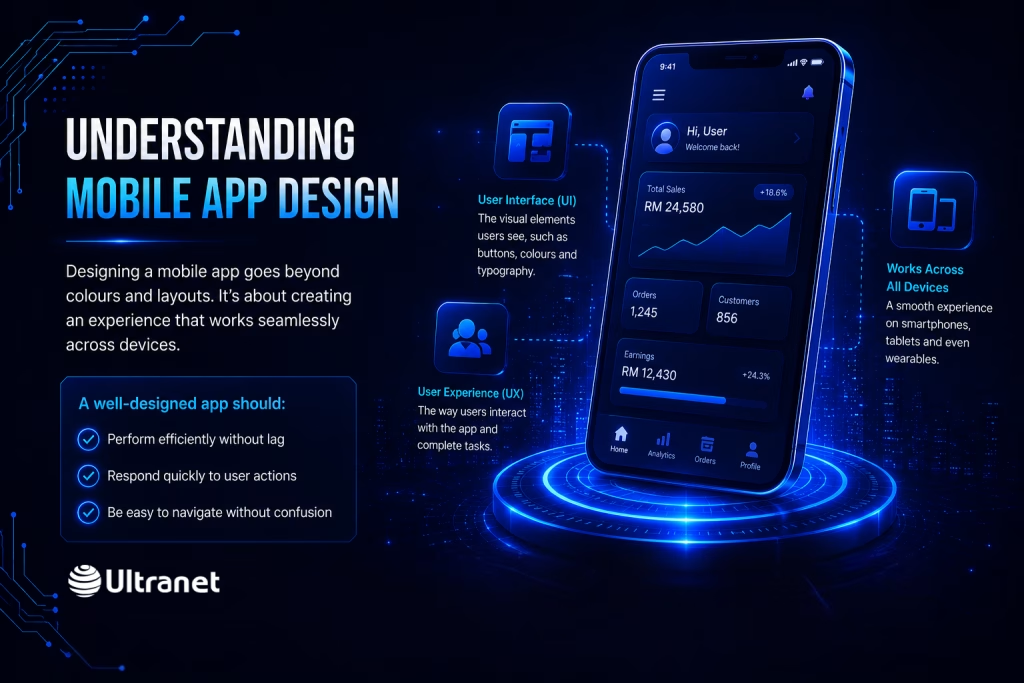
Designing a mobile app goes far beyond choosing colours or layouts. It’s about crafting an experience that works smoothly across devices like smartphones, tablets, and even wearables.
A well-designed app should:
- Perform efficiently without lag
- Respond quickly to user actions
- Be easy to navigate without confusion
At its core, mobile app design is built on two essential components:
- User Interface (UI): The visual elements users see, such as buttons, colours and typography
- User Experience (UX): The way users interact with the app and complete tasks
The goal is simple, make technology feel invisible so users can focus entirely on what they want to achieve.
Research from Forrester highlights just how important design is, showing that better interfaces and experiences can significantly boost conversion rates. This makes design not just a creative effort, but a powerful business tool.
UI vs UX: What’s the Difference?
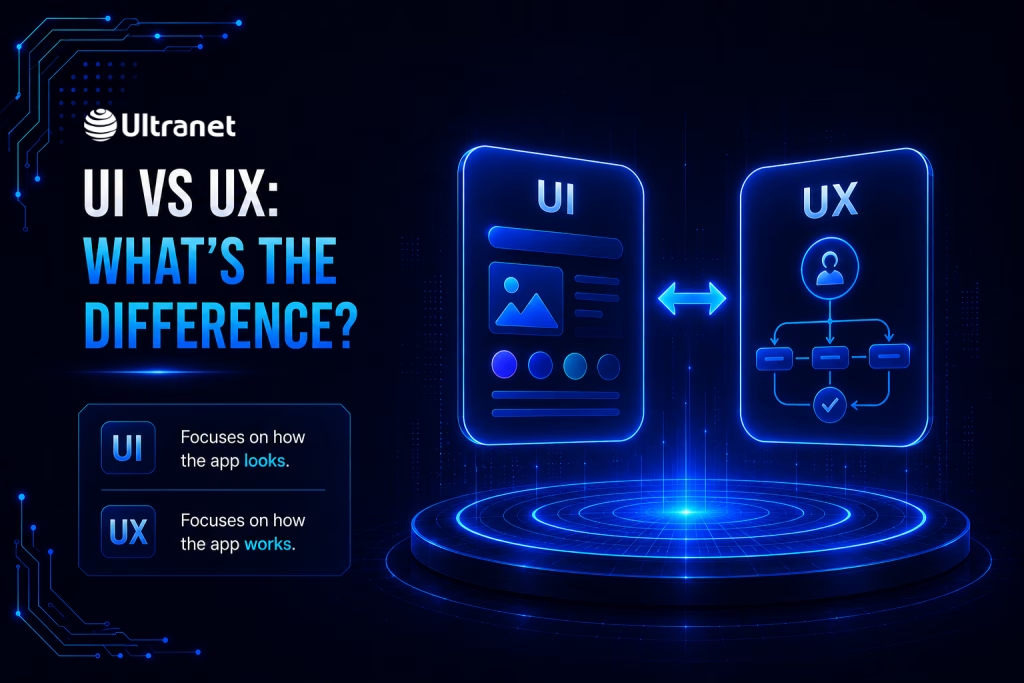
Although often mentioned together, UI and UX serve different purposes.
UI design focuses on presentation. It shapes how the app looks by defining layout structures, colour schemes, icons and overall visual identity.
UX design, on the other hand, is about functionality. It determines how users move through the app, how intuitive each action feels, and how easily they can achieve their goals.
The most successful apps combine both perfectly. Platforms like Grab and Airbnb are great examples, offering visually appealing interfaces alongside smooth, intuitive user journeys.
What Does “Intuitive” Really Mean?

An intuitive app doesn’t force users to think too much. Instead, it relies on familiar patterns and behaviours that users already understand.
For example:
- Navigation menus are placed where users expect them
- Icons follow common meanings
- Interactions behave consistently across screens
This approach reduces what’s known as “cognitive load”—the mental effort required to use an app. The easier it is to understand, the more enjoyable the experience becomes.
When done right, users don’t notice the design at all—they simply accomplish tasks effortlessly.
Key Design Elements That Make Apps Feel Effortless
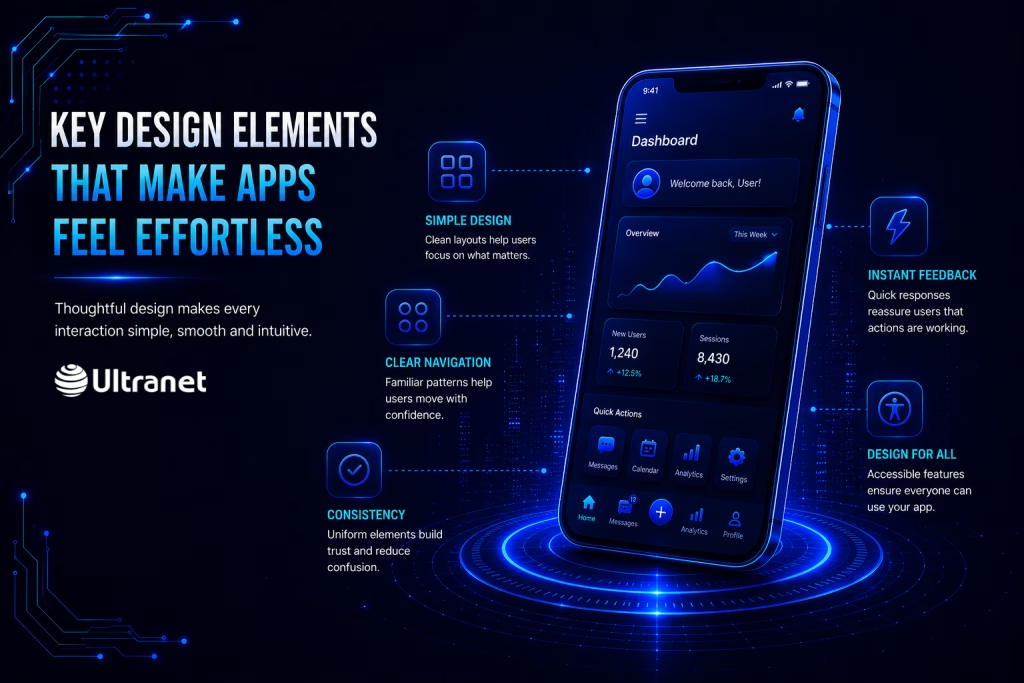
Creating an intuitive app requires careful attention to several important factors.
1. Simplicity in Visual Design
Cluttered interfaces overwhelm users. Clean layouts with clear spacing and minimal distractions help users focus on what matters most.
Every element on the screen should have a purpose. If it doesn’t contribute to the user’s goal, it shouldn’t be there.
2. Clear and Predictable Navigation
Users should never feel lost inside an app. Consistent navigation patterns, such as bottom tabs or familiar menus, allow users to move confidently from one screen to another.
When navigation behaves as expected, users don’t need to stop and think.
3. Consistency Across the Interface
Consistency builds trust. When colours, fonts, and layouts remain uniform, users feel more comfortable interacting with the app.
Design systems are often used to maintain this consistency, ensuring that every update feels familiar rather than confusing.
4. Instant Feedback and Responsiveness
Users need reassurance that their actions are working. Small details like animations, vibrations, or confirmation messages provide that feedback.
On the other hand, delays or unresponsive elements quickly create frustration and reduce confidence in the app.
5. Designing for Everyone
Good design should be accessible to all users. Features like adjustable text sizes, voice support, and screen reader compatibility make apps usable for people with different abilities.
Inclusive design not only improves usability but also expands your potential audience.
How Designers Work Together to Create Great Experiences
 Behind every intuitive app is strong collaboration between designers.
UX designers focus on understanding users—their needs, behaviours, and goals. They create the structure of the app through wireframes and user flows.
UI designers then bring these ideas to life visually, ensuring the app looks appealing while remaining functional.
This collaboration is essential. For example, if users struggle to find an important button, UX research identifies the issue, and UI design solves it by improving visibility or placement.
Why Testing Is Essential for Great Design
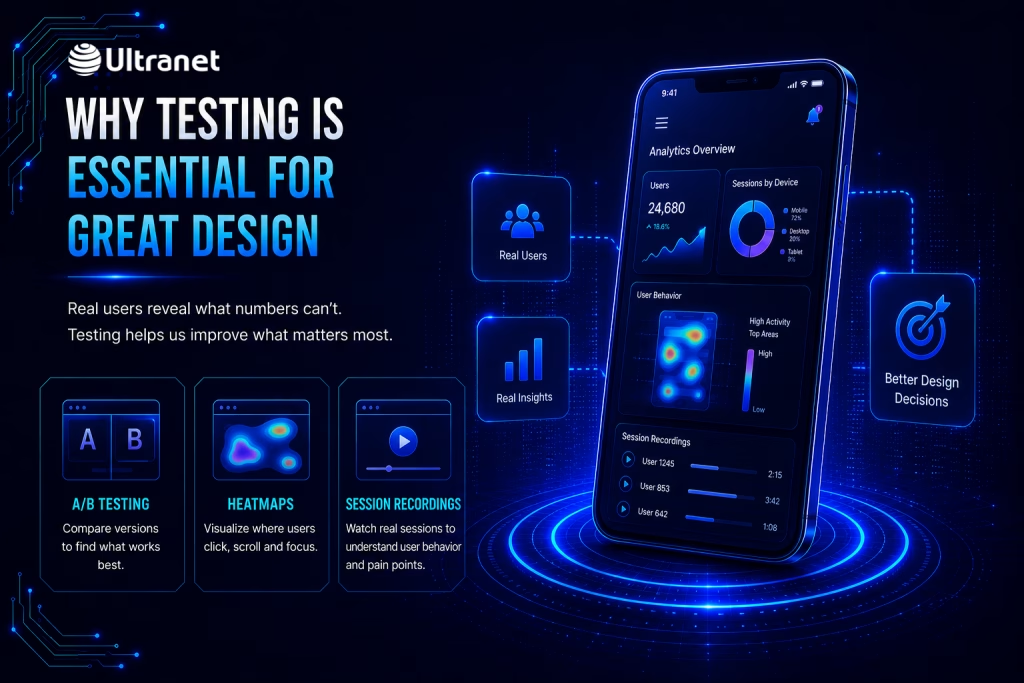
No matter how well an app is designed, real users will always reveal areas for improvement.
That’s why testing plays a critical role. Techniques such as:
- A/B testing
- Heatmaps
- User session recordings
help designers understand how people actually interact with the app.
These insights highlight where users hesitate or drop off, allowing teams to refine the design continuously.
The best apps are not built in one go—they evolve through constant iteration and feedback.
Common Design Mistakes to Avoid
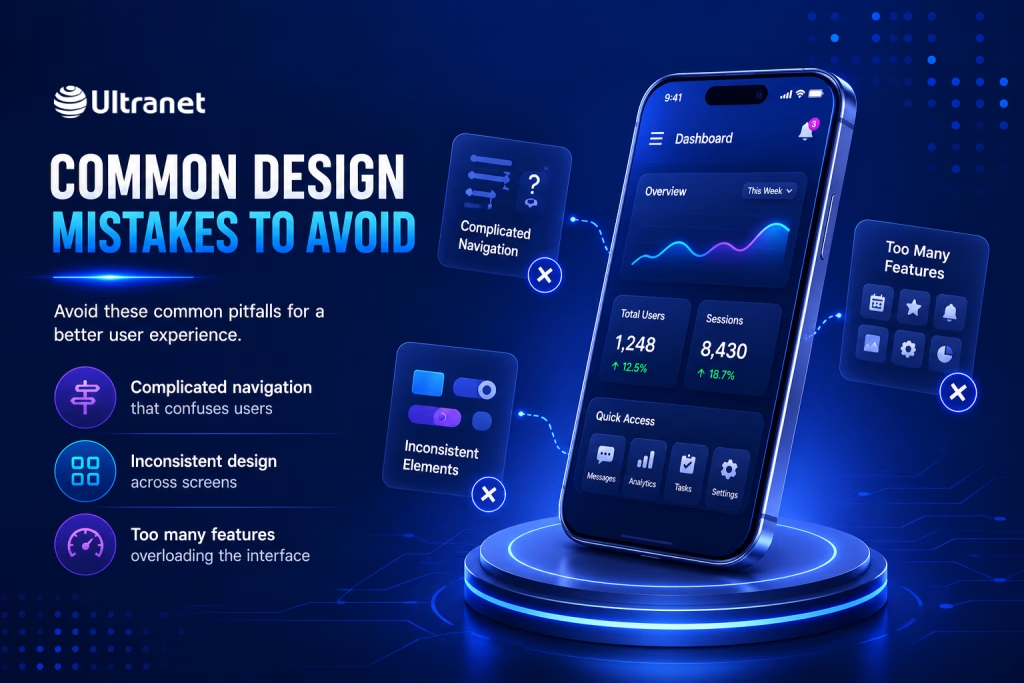 Even small mistakes can disrupt an otherwise smooth experience. Some of the most common issues include:
- Complicated navigation that confuses users
- Inconsistent design elements across screens
- Overloading the interface with too many features
- Ignoring accessibility needs
- Slow or delayed responses to user actions
Avoiding these pitfalls helps maintain a clean, intuitive, and user-friendly experience.
Designing for Real Human Behaviour
At its best, app design blends functionality with aesthetics so seamlessly that users don’t even notice it.
Every design decision, from button placement to colour choice should support the user’s goal. When done right, the app feels natural, almost instinctive.
As technology continues to evolve, user expectations will only grow. Apps that prioritise intuitive design will stand out by offering experiences that feel simple, smooth and human-centered.
Final Thoughts
At Ultranet, great mobile apps are not just visually appealing—they are thoughtfully designed to feel effortless.
By combining strong UI with smart UX, focusing on simplicity, and continuously improving through testing, businesses can create apps that users genuinely enjoy using.
In the end, the most successful apps aren’t the ones with the most features—they’re the ones that feel the easiest to use.
Frequently Asked Questions (FAQ)
1. What makes a mobile app user-friendly?
A user-friendly mobile app typically has simple navigation, a clean interface, fast response times, consistent design elements, clear feedback, and accessible features. Users should be able to understand what to do next without unnecessary confusion.
2. How can businesses improve their mobile app’s user experience?
Businesses can improve their mobile app’s user experience by conducting user research, simplifying navigation, reducing unnecessary steps, maintaining design consistency, improving performance, and regularly testing the app with real users.
3. Why is user testing important in mobile app design?
User testing helps identify usability problems that may not be obvious during the design process. Methods such as A/B testing, heatmaps, and user session recordings can reveal where users struggle, hesitate, or leave the app, allowing designers to make informed improvements.
4. How does good mobile app design benefit a business?
Good mobile app design can improve customer satisfaction, user engagement, retention, and conversions. A smooth and intuitive experience also strengthens brand credibility and can encourage users to return to the app more frequently.
5. How can I create an intuitive mobile app for my business?
Creating an intuitive mobile app starts with understanding your target users and their needs. Working with an experienced mobile app development and UI/UX design team can help you plan user journeys, create an effective interface, test usability, and build an app that delivers a smooth experience across different devices.